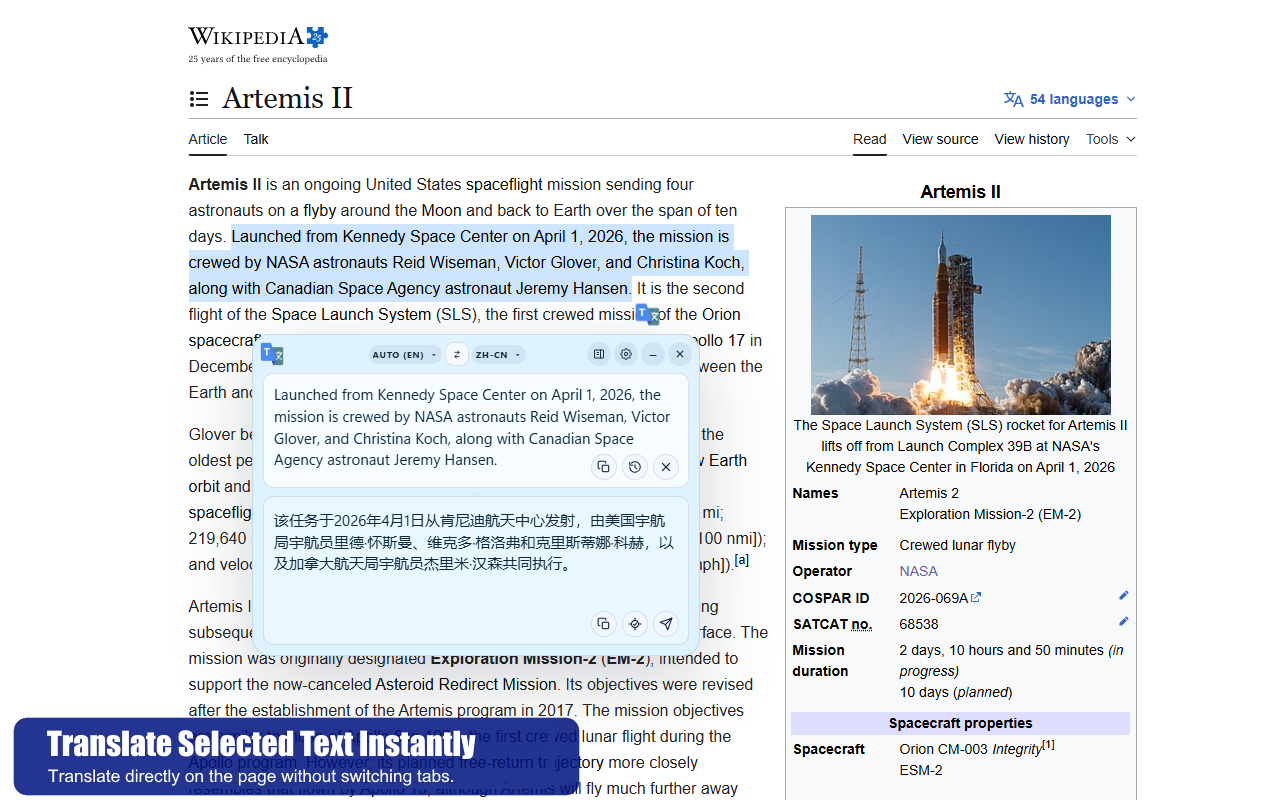
Selected text translation
Translate the exact sentence you care about without losing your place.
Ideal for reading articles, technical documentation, product pages, support threads, and research.
 Chrome Extension
Translate Workspace
Chrome Extension
Translate Workspace
AI Translator for Chrome
Translate Workspace keeps selected text translation, live typing, a floating window, a side panel, and advanced AI provider routes inside one clean workflow. Stay on the page, keep your context, and expand into deeper tools only when the task needs more.
Walkthrough
Watch the fastest way to understand selected text translation, live typing, the floating window, and the side panel before you install.
Add a YouTube URL in the admin panel to show the embedded walkthrough here.
What you can do
Start with selected text and live typing, then move into the side panel, AI providers, themes, and saved history when your workflow needs more depth.
Ideal for reading articles, technical documentation, product pages, support threads, and research.
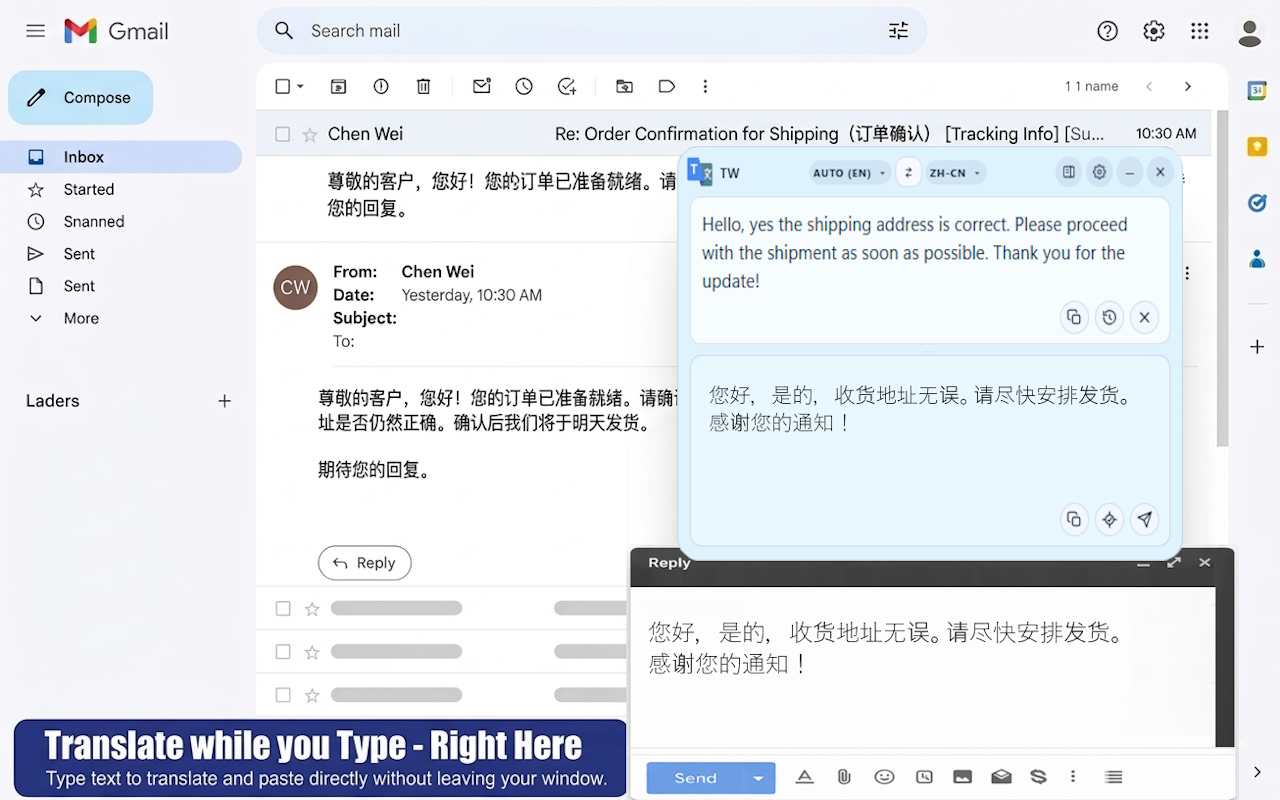
Reply faster, draft text more naturally, and keep the source page open beside your translation flow.
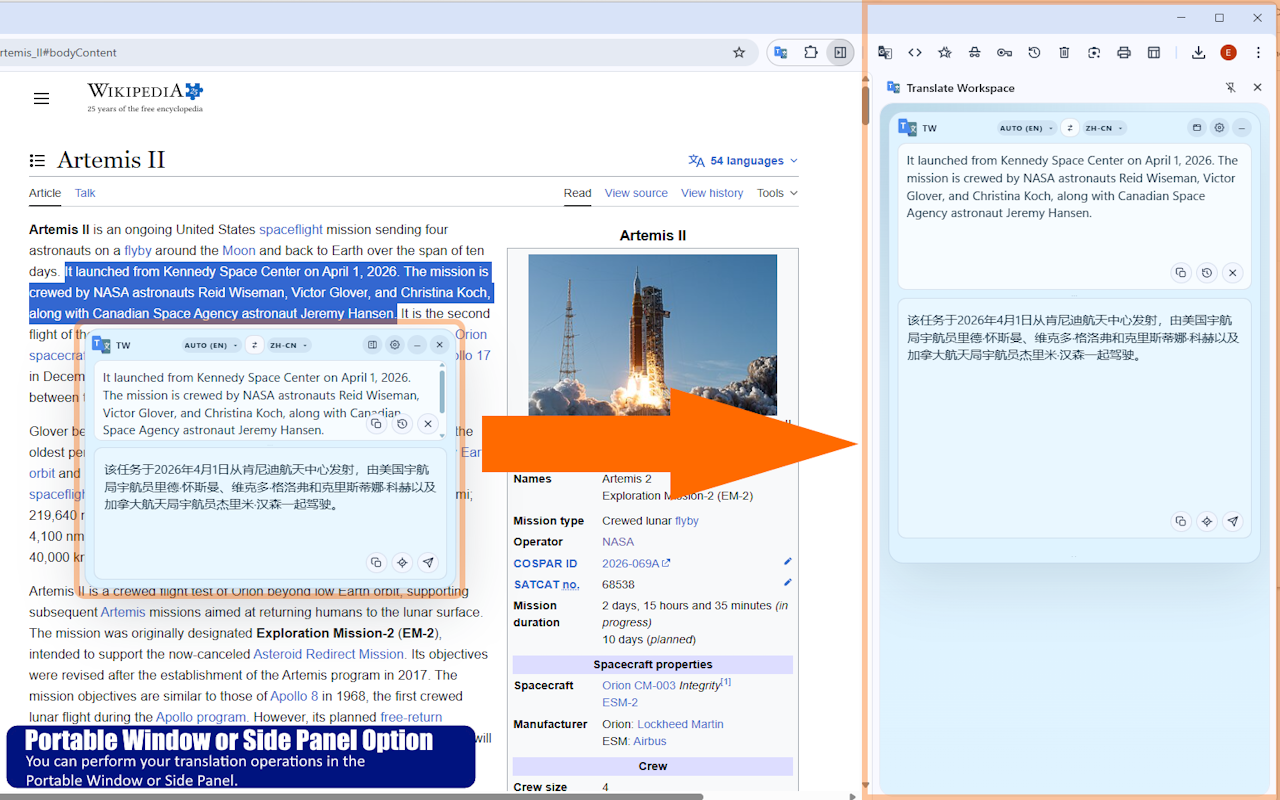
Use the floating window for speed, then shift into the side panel when the task gets longer.
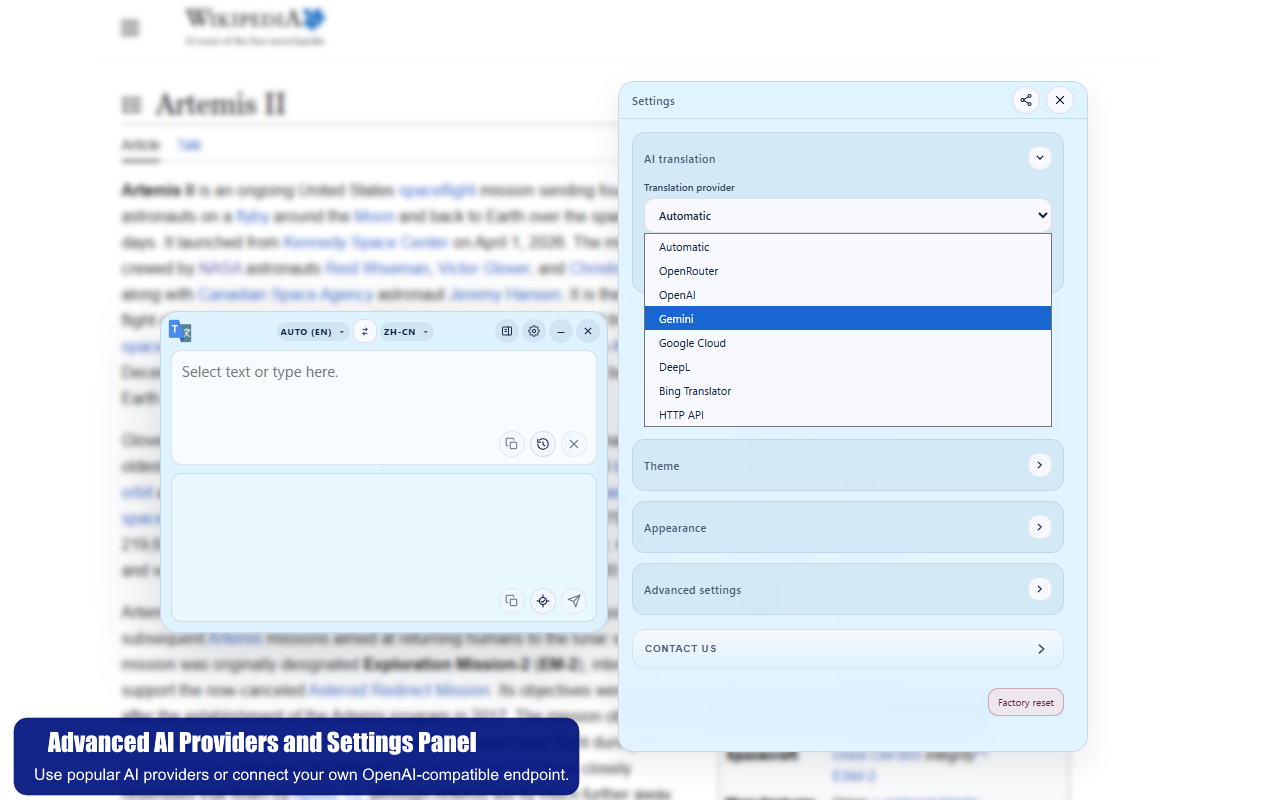
OpenRouter, OpenAI, Gemini, Google Cloud, DeepL, Bing, and custom OpenAI-compatible HTTP routes fit into one settings flow.
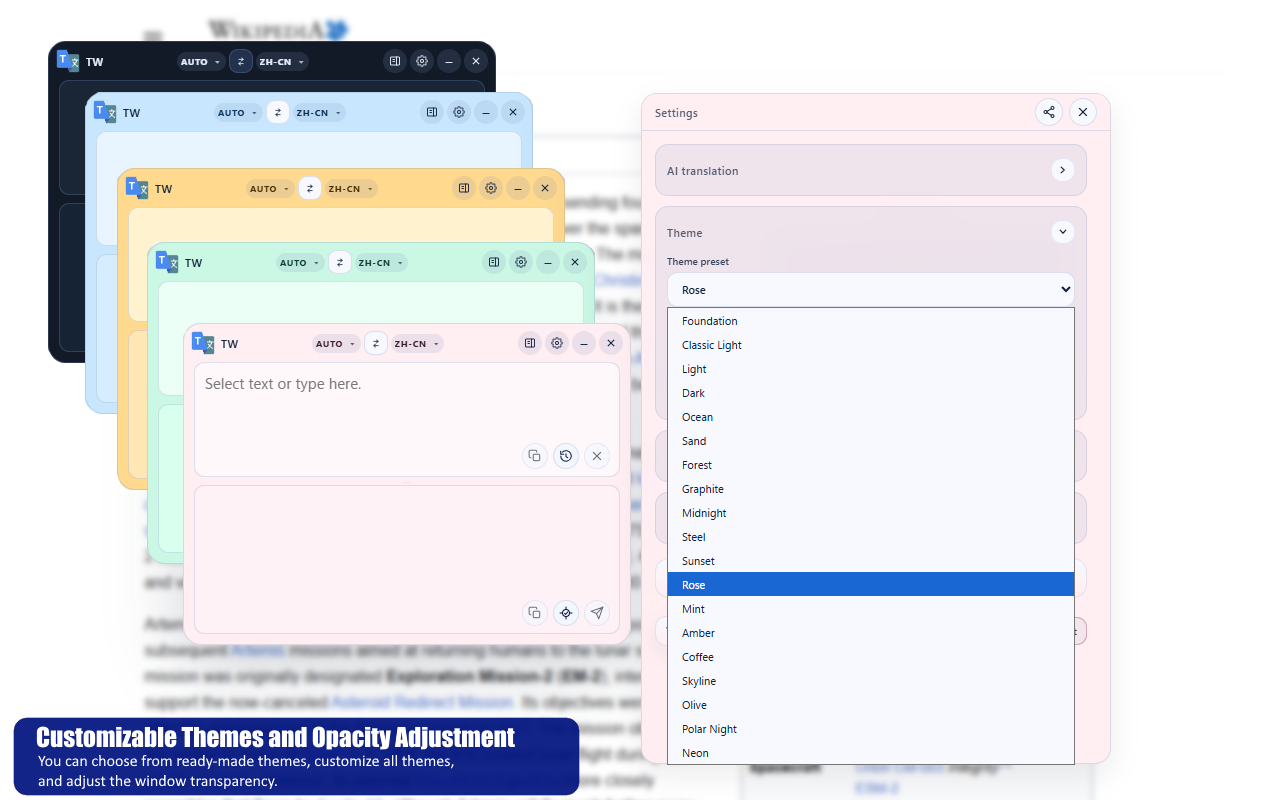
Choose from ready-made themes, tune opacity, and personalize the overall look without losing clarity.
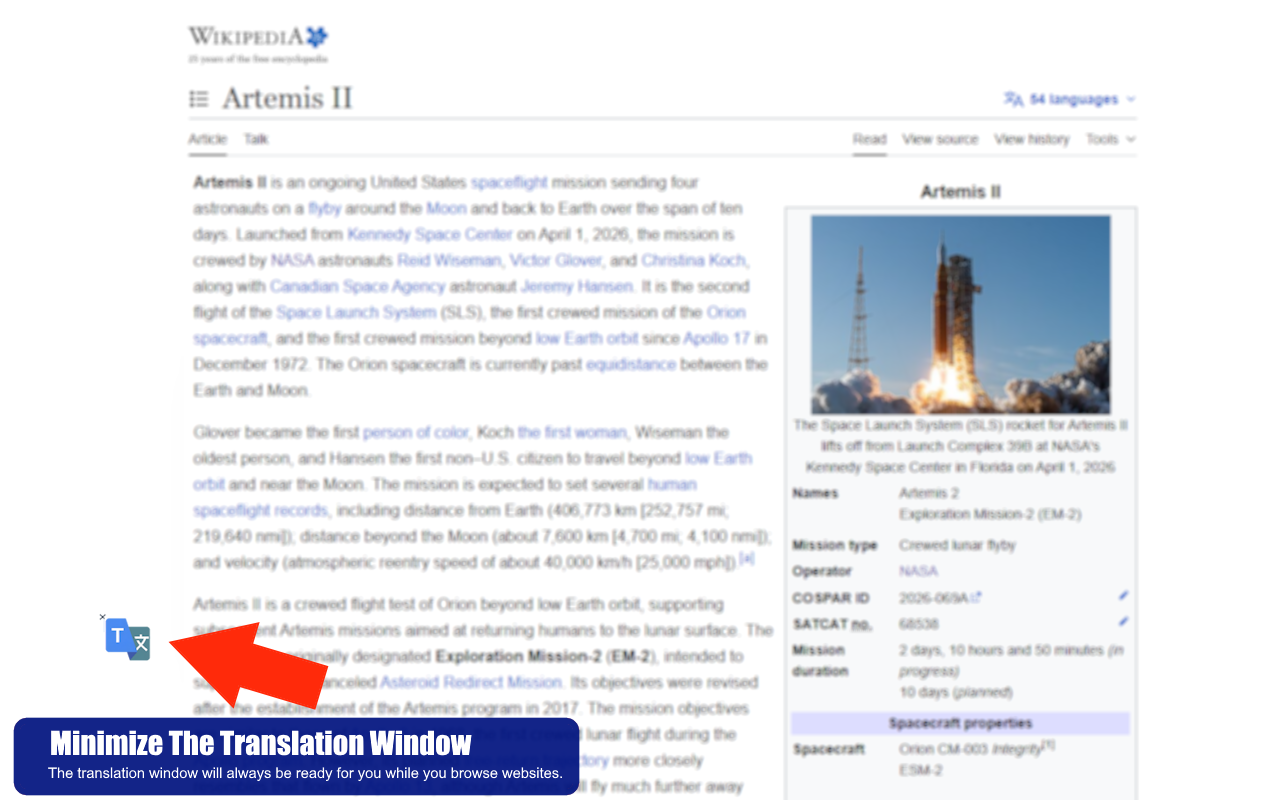
The tool stays available while you move through websites, so reopening the workflow is almost instant.
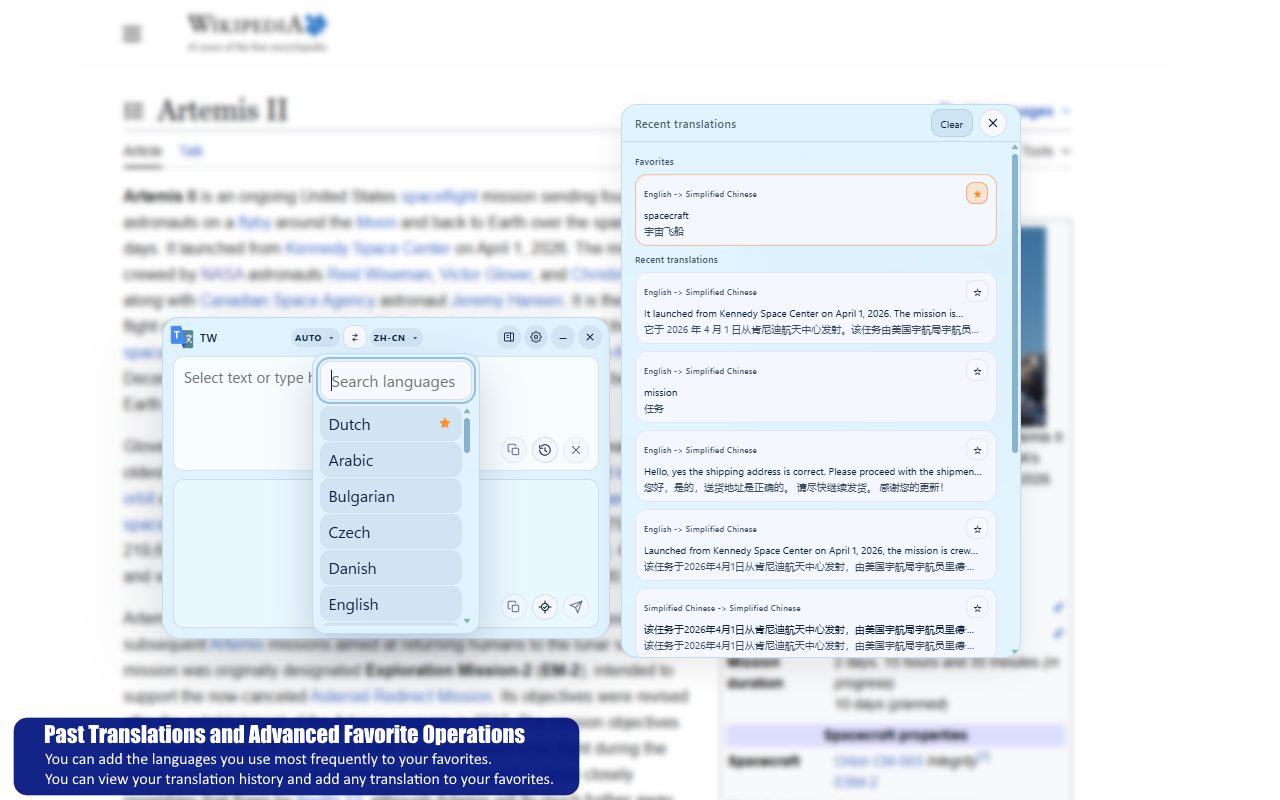
Favorite what you reuse, revisit recent output, and reduce repeated setup work during real tasks.
Ready to use
Translate Workspace is designed to cover daily translation first, then grow into AI providers, customization, and Premium workflows without forcing users out of the current tab.